Switch
A single toggle that is either on or off. Simpler than a checkbox group for binary yes/no options.
When to use
- “Add gift wrapping?” (yes/no)
- “Include a card?” toggle
- Any binary option that reads naturally as a toggle
For multiple independent on/off options, use Checkboxes. For a single option with a more explicit label, Checkboxes (with one value) also works.
General settings
| Setting | Description |
|---|---|
| Label | Shown to the right of the toggle |
| Required | Customer must turn this on before adding to cart |
| Help text | Guidance below the switch |
| Default | Whether the toggle starts in the on (true) or off (false) position |
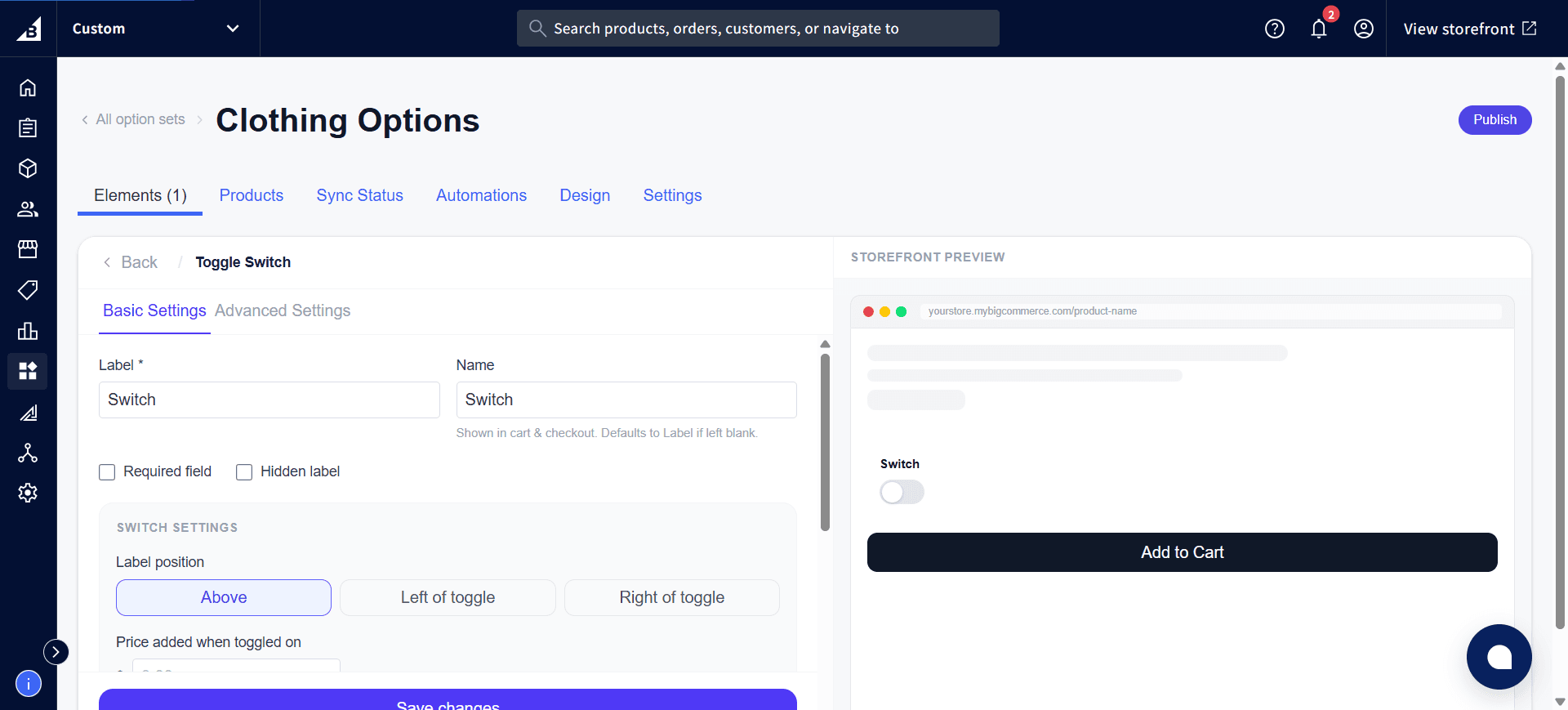
The Label position setting controls where the label sits relative to the toggle — Above, Left of toggle, or Right of toggle:
Pricing
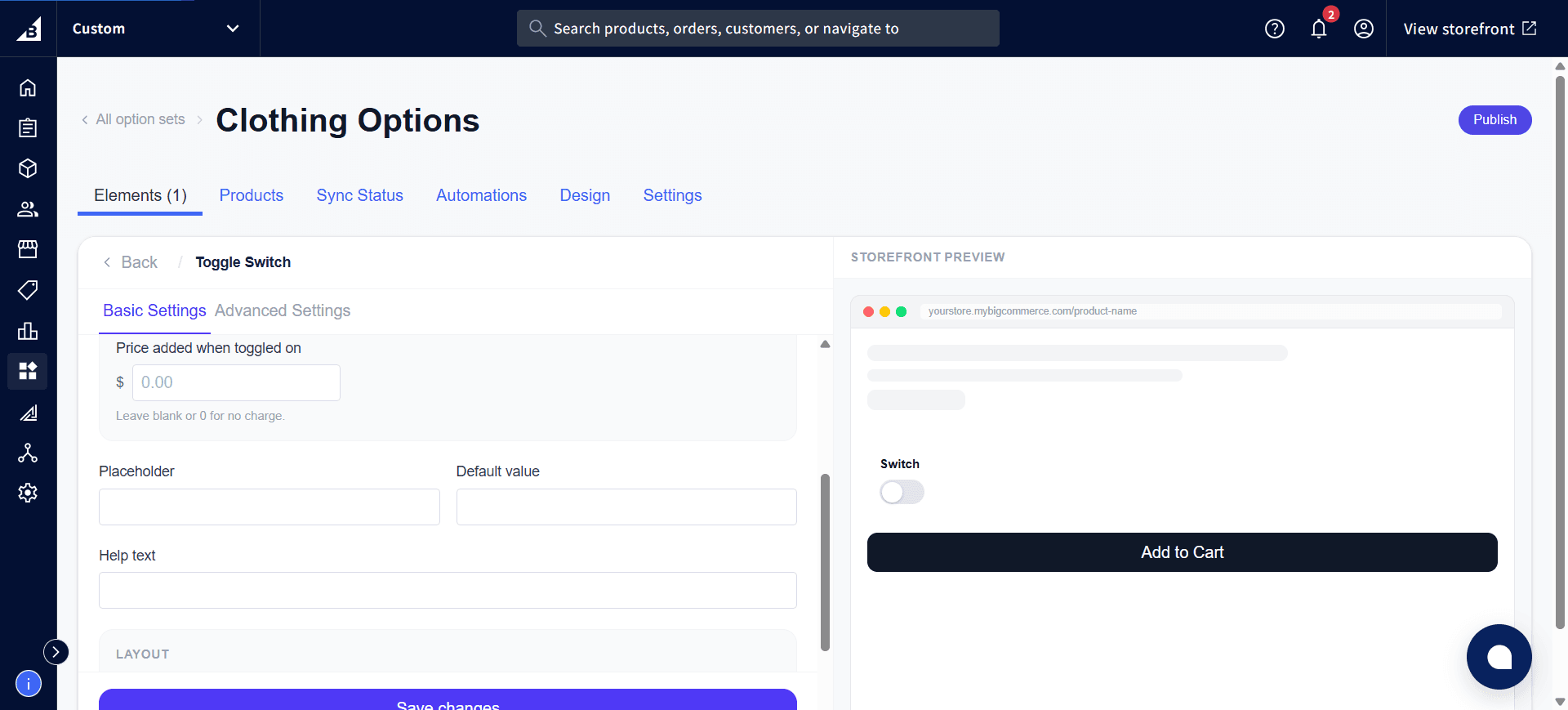
A price can be added for the “on” state. When the toggle is on, the price is added to the cart total.
Storefront behavior
- Renders as an animated pill-style toggle
- The customer’s choice is recorded on the order.
- In the order: appears as [Switch label]: Yes when on — e.g.
Gift Wrapping: Yes - When the toggle is off, this option doesn’t appear on the order at all.