Time Picker
A time-of-day picker. The customer clicks the field and their browser shows a time selector — no typing required.
When to use
- A pickup or delivery time window
- A booking or appointment time
- Any custom field where the answer is a time of day
For a calendar date instead of a time, use Date Field.
General settings
| Setting | Description |
|---|---|
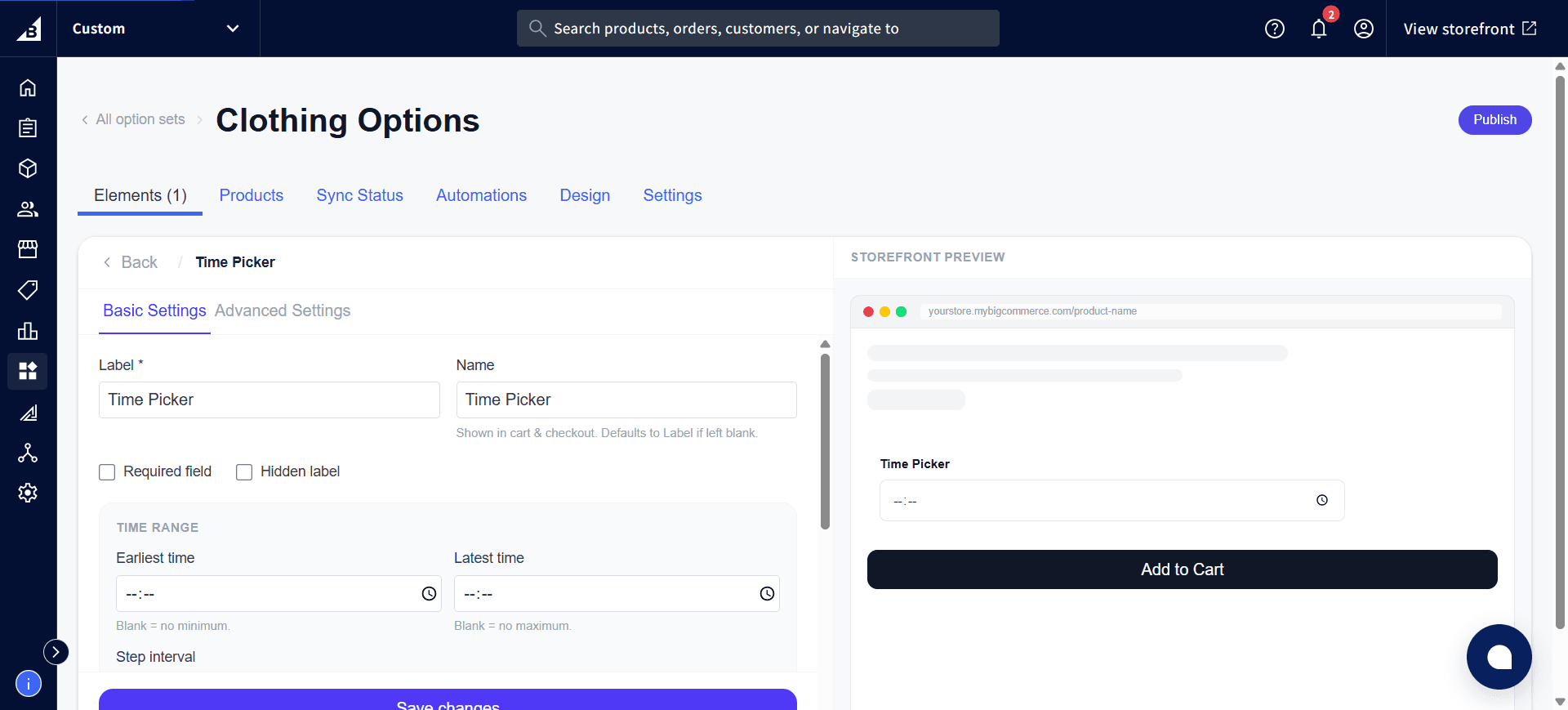
| Label | Field label shown on the storefront |
| Required | Customer must pick a time before adding to cart |
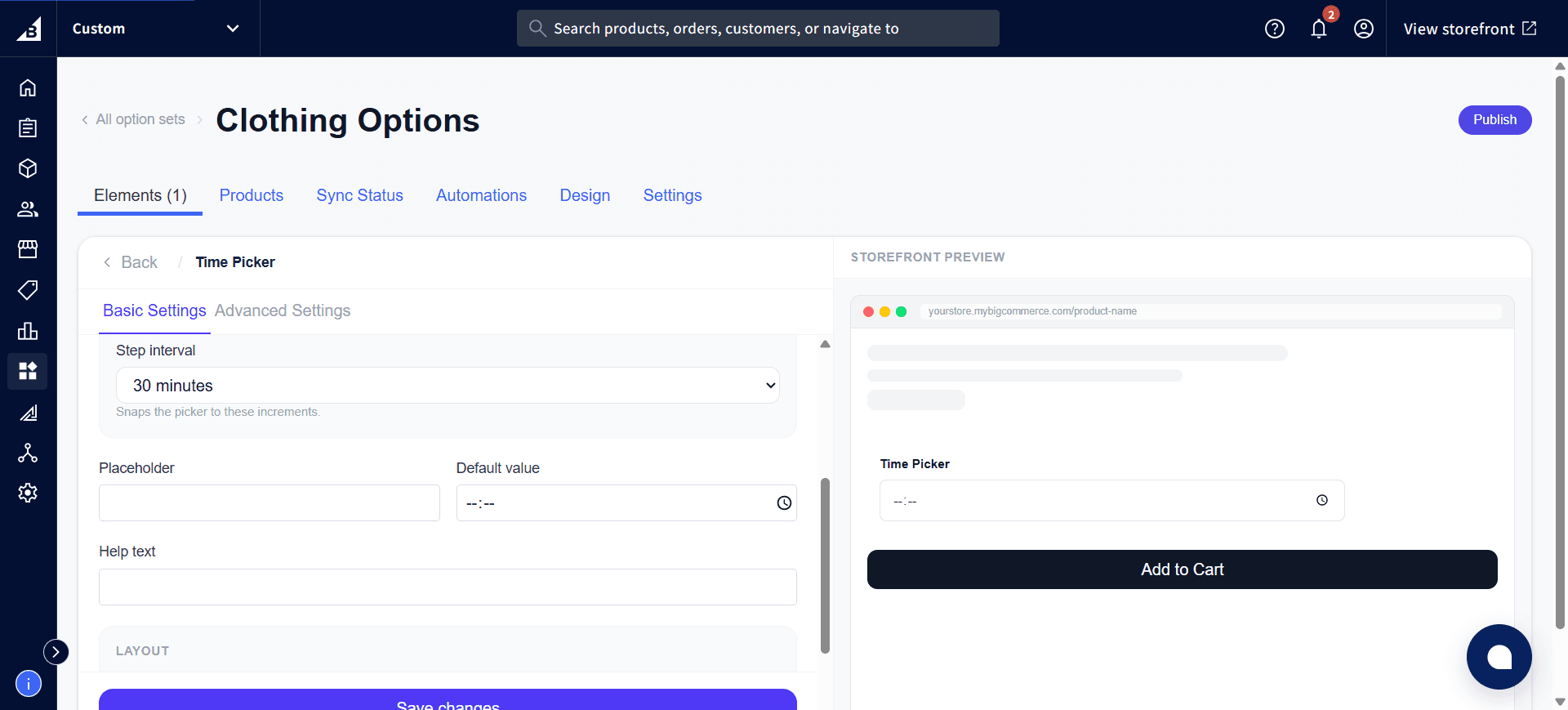
| Help text | Short guidance below the field |
| Default value | Pre-fills the field with a specific time |
Time range
| Setting | Description |
|---|---|
| Earliest time | The earliest time of day the customer can pick. Leave blank for no minimum. |
| Latest time | The latest time of day the customer can pick. Leave blank for no maximum. |
| Step interval | Rounds the picker to 15, 30, or 60-minute increments — e.g., with 30-minute steps the customer can pick 2:00 or 2:30, but not 2:15. |
Storefront behavior
- Displays as a standard time field — clicking it opens the browser’s native time selector
- Times outside the configured range are rejected on add-to-cart
- Required validation fires on add-to-cart — field highlighted in red if empty
- The time the customer picks is recorded on the order.