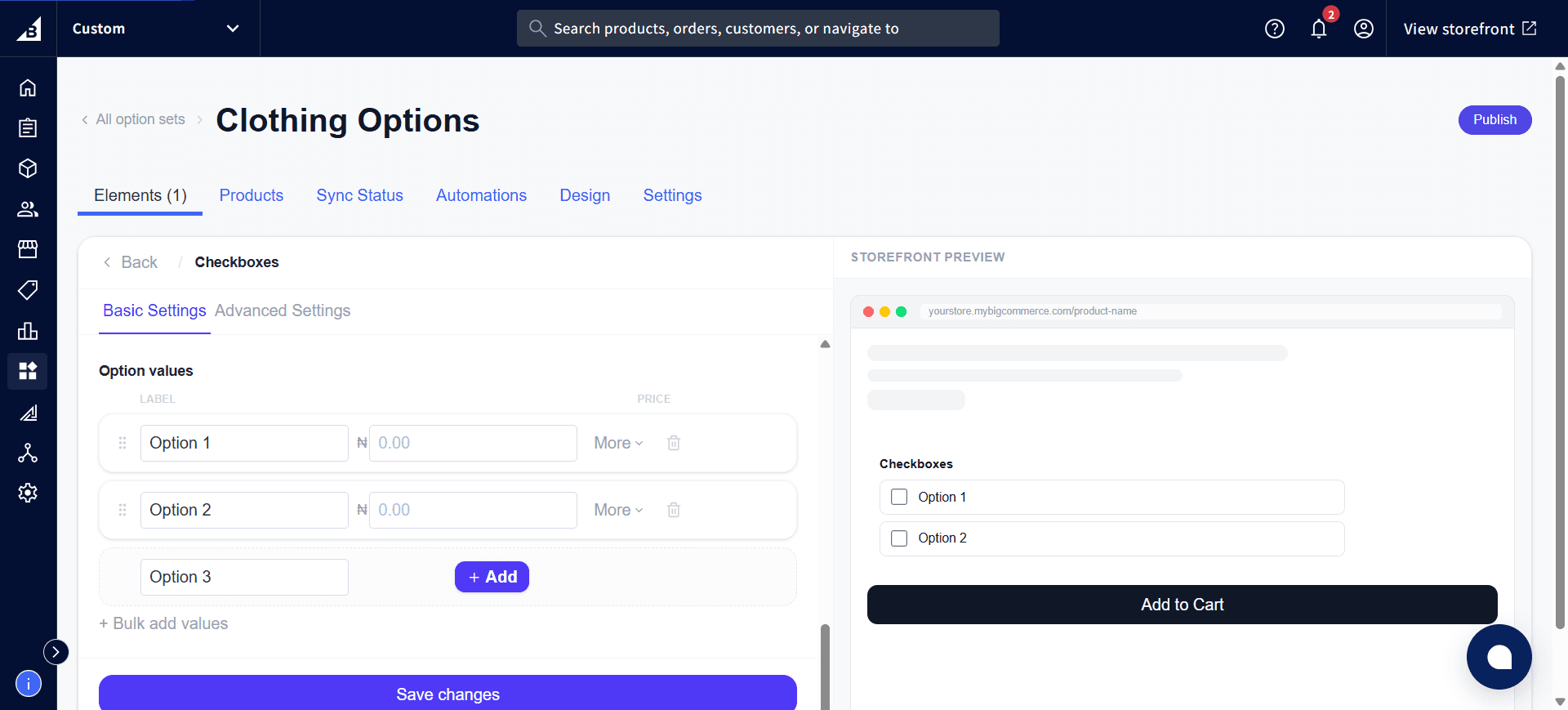
Checkboxes
A list of options where the customer can select one or more items simultaneously. The full list is always visible.
When to use
- Multiple add-ons that can be combined (e.g., “Gift wrap”, “Greeting card”, “Ribbon”)
- Opt-in extras or features
- Any selection where zero, one, or many choices can apply at the same time
For exclusive single-choice selection, use Radio Buttons, Dropdown, or Button Group.
General settings
| Setting | Description |
|---|---|
| Label | Label for the group of checkboxes |
| Required | Customer must check at least one option (or Min selections if set) |
| Help text | Guidance below the checkboxes |
| Min selections | Minimum number of boxes the customer must check |
| Max selections | Maximum number of boxes the customer can check |
Values tab
| Field | Description |
|---|---|
| Label | Text next to the checkbox and in the order |
| Description | Optional sub-text shown below the label |
| Default | Pre-checked on page load |
| Disabled | Greyed out and unselectable |
| Price | Add-on price for checking this option |
Display settings
| Setting | Description |
|---|---|
| Layout | Vertical (one per row, default) or Horizontal (items wrap left-to-right in a row) |
Storefront behavior
- Each checkbox value is set up separately in BigCommerce — each one the customer checks appears as its own line on the order.
- In the order, every checked value appears as a separate line:
Add-ons - Gift Wrap: Yes
Add-ons - Greeting Card: Yes
Unchecked values are not listed. The element label is prefixed to each modifier name so the order clearly shows which group each selection belongs to.
- Validation: if min/max selections are set, the customer receives an error if they check too few or too many items
- Required validation requires at least one checked item (or the Min value)