Font Picker
A searchable dropdown that lets customers choose a font family. Fonts are previewed in their actual typeface before selection.
When to use
- Personalized products where the customer chooses their preferred font for engraving or printing
- Custom name/monogram products
- Any scenario where font selection is part of the customization
This element is commonly paired with the Personalizer to show the chosen font applied to the text in real time.
General settings
| Setting | Description |
|---|---|
| Label | Field label |
| Required | Customer must choose a font |
| Help text | Guidance below the picker |
| Default font | Pre-selects a specific font on page load |
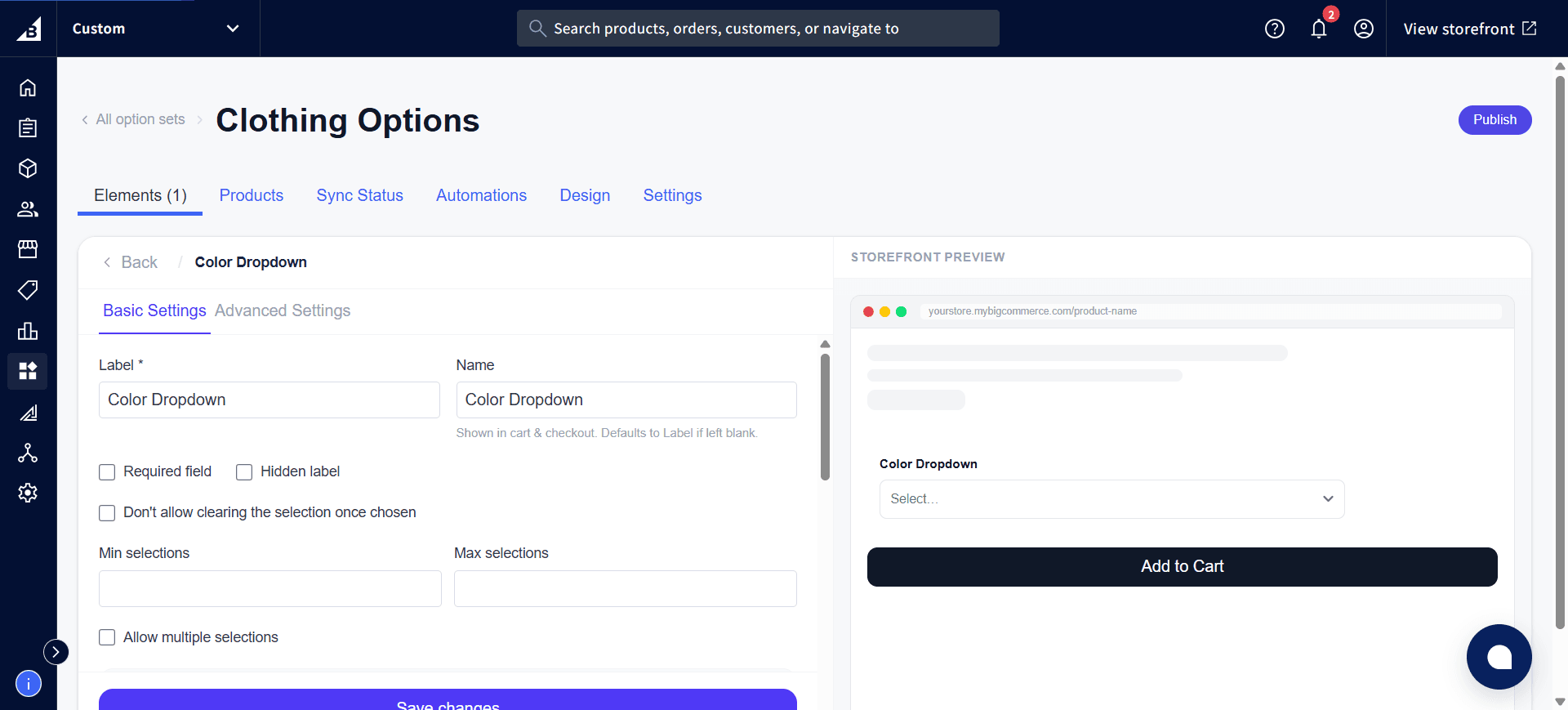
Font sources
The font picker draws from two sources:
Google Fonts
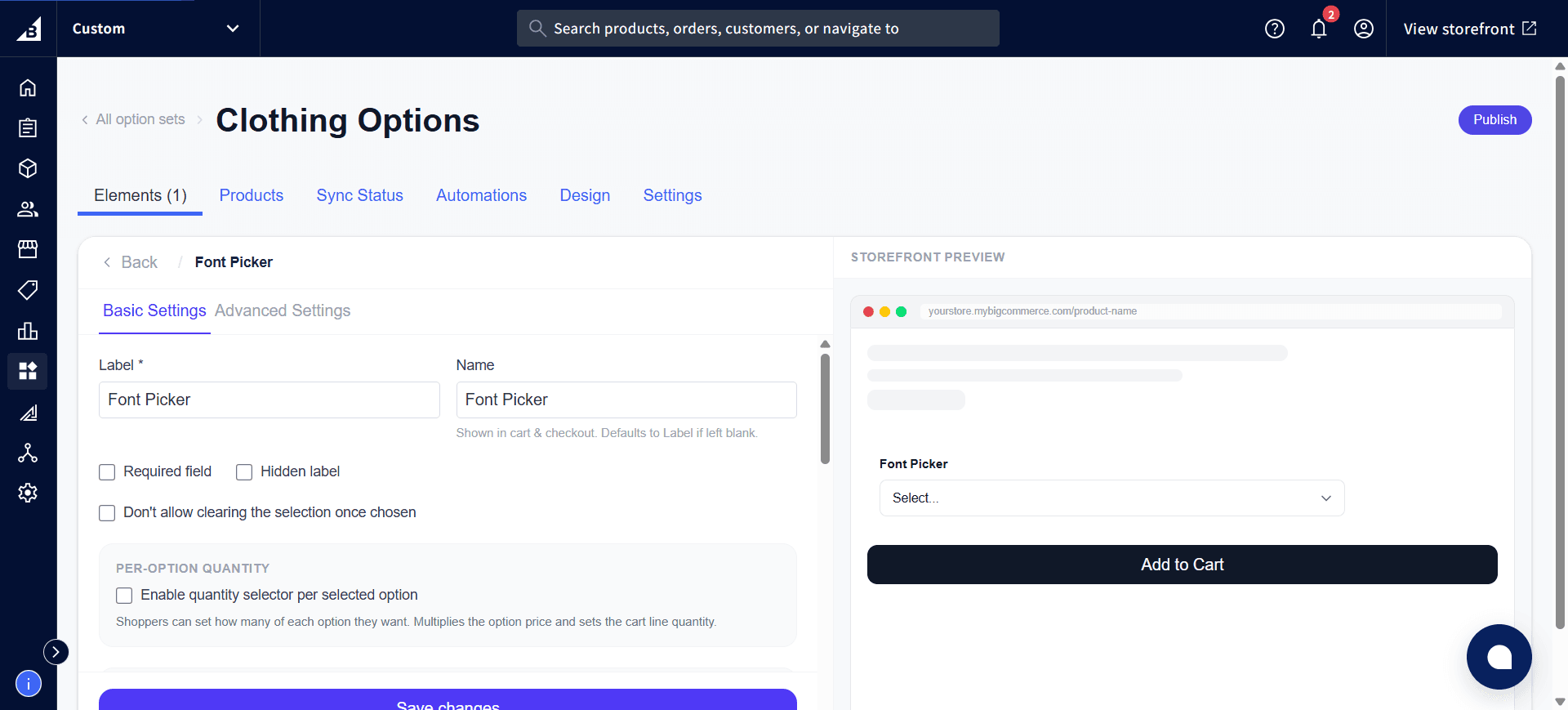
All Google Fonts are available automatically, organized by category (Serif, Sans-Serif, Display, Handwriting, Monospace). The picker includes a search box to find fonts by name. In the settings panel, use Show fonts from and the Select Google Fonts to include grid to limit which fonts customers can pick from — handy if you only want to offer a curated set instead of the entire Google Fonts catalog:
Custom fonts
Any fonts you upload under Custom Fonts appear at the top of the list with a “Custom” badge. The app automatically loads each custom font so the preview displays correctly.
Storefront behavior
- Renders as a searchable dropdown
- Each font name in the list is rendered in that font so customers can preview the style at a glance
- When the customer selects a font, the app automatically loads the font on the page
- If paired with a Personalizer text layer, the chosen font applies to the text overlay in real time
- Submitted value: the font family name (e.g.,
"Playfair Display"or"My Custom Script") - The chosen font name is recorded on the order.